Updates for Returning Teams: Copy Team and Career Stats
As the season approaches, if you’re planning on using Hoopsalytics for a second season, we have a few new tools that will make the experience for you and your players even more awesome than before.
- A new Copy Team option.
- And a new Career Stats view.
Copying a Team
If you have a significant amount of returning players from last year, you can copy last year’s roster to this season, and then remove graduating players and add new ones. This will save you some time, and also maintain the logins from last year’s players. And this will also facilitate the Career Stats which we will explain below.
Here’s how to copy a team:
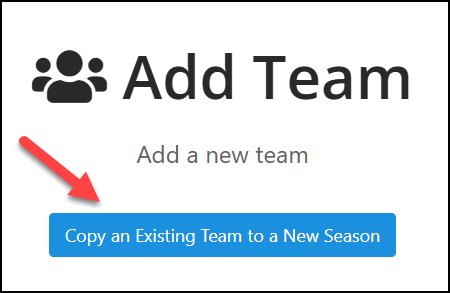
- Go to the teams page, and click Add a Team.
- Choose this option on the next screen:
-
You can select a new season, and pick one of your existing “my teams”, like so:
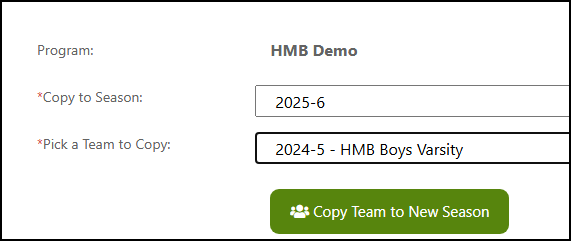
All the existing player logins remain intact, and you can start adding games to the new team and season.
Viewing Career Stats
For players that belong to multiple teams over several seasons or events (including summer league), you can see their cumulative stats.
- Go to the Stats page.
- For players who appear on multiple teams, you’ll see their game-by-game stats button also shows “Career”.
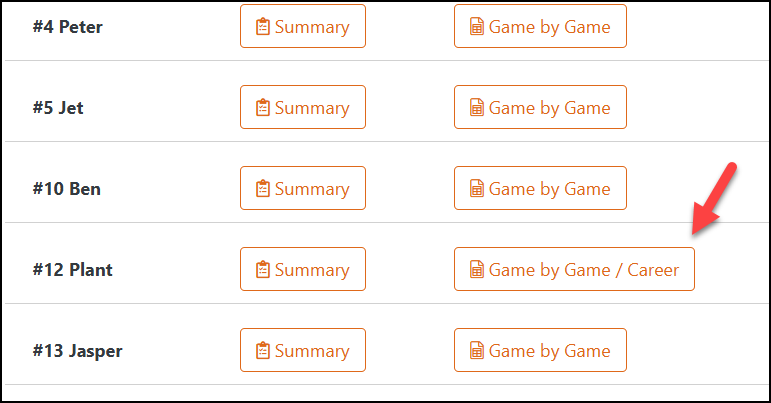
- Click the green “View Career or Multiple Event Stats” button on the next page.
You’ll see video linked stats for every single game, multiple (customizable) box score views, and totals for every game they appeared in that was scored with Hoopsalytics.